What Tamagui is
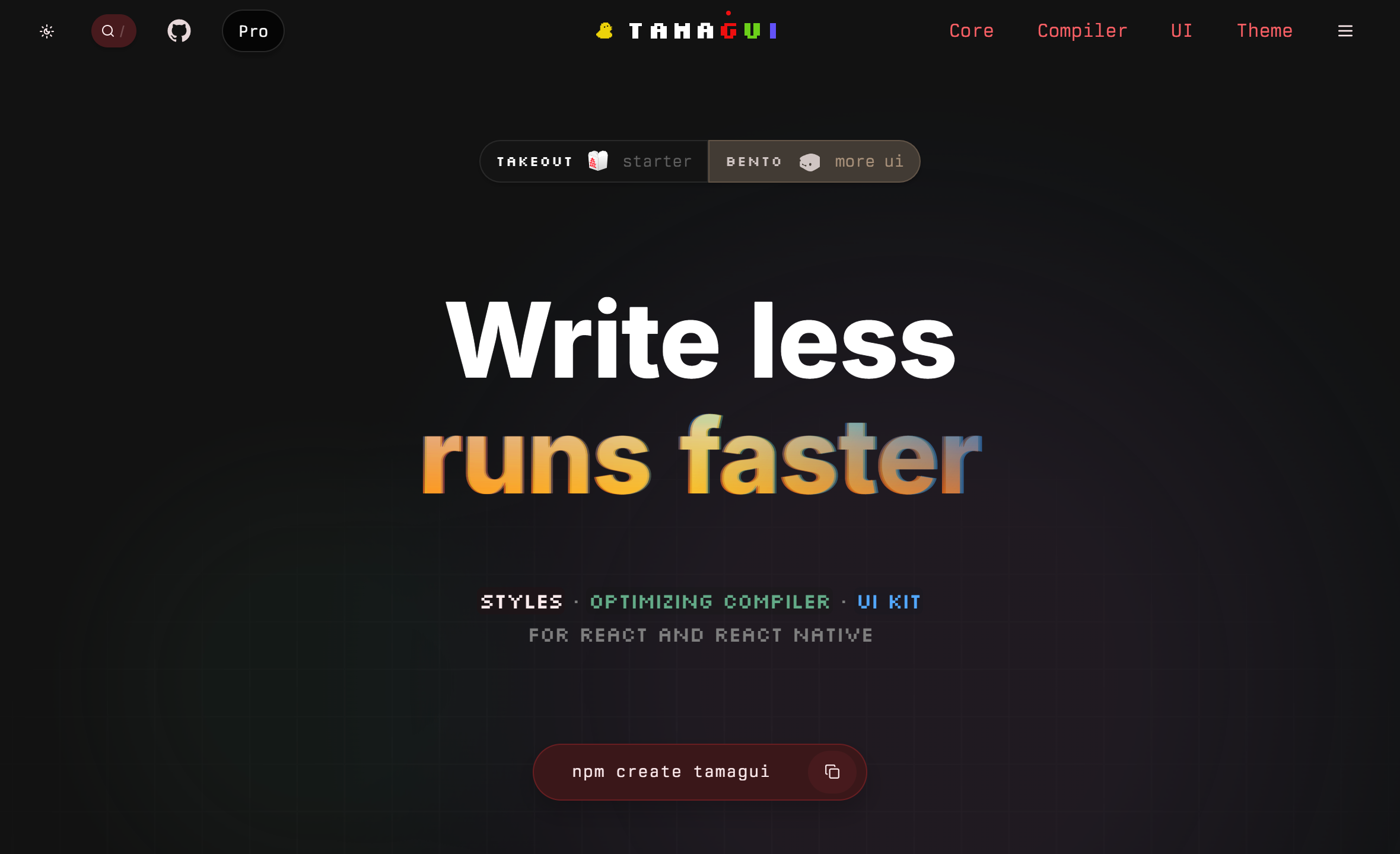
Tamagui is a UI kit and a styling system built around a compiler. You write your components once using its typed style API, and the compiler flattens them into optimal output: atomic CSS on the web, plain Views on native. The token system and theming are first-class features, which makes it strong if your app has a design system that needs to be consistent across web and native.
The cost is setup. Getting the compiler running with your bundler or Babel config takes time, the configuration files have a learning curve, and following the docs step by step can be rough in places. The project moves fast, which can mean occasional instability near major releases. The maintainer is known for being active on GitHub and Discord, which helps when you hit something unexpected.
What Gluestack UI is
Gluestack UI is a component library built by the same team behind NativeBase. It offers a headless core with ready-made accessible components that work on React Native and the web. The workflow leans on copy-paste and CLI, similar to shadcn: you pull components into your project and own the code. There is no compiler step, which means less to configure before you can start building screens.
The easier start is the most common reason people pick it on a tight timeline. It has a component catalog that reads quickly, and the DX feels more like "install and go." The NativeBase history is worth knowing: many developers had bad experiences when fixes were promised on NativeBase while Gluestack was already being built in the background. That reputation lingers in community discussions, though the library itself is a separate codebase.
How they compare
On performance, Tamagui has an edge on the web through static extraction and CSS atomization. On native the difference is smaller. Gluestack has no compiler, so what you ship is what you write, which is simpler to reason about but leaves more optimization work to you.
On theming, Tamagui gives you a token system with full dark/light and per-platform control baked in. Gluestack has a style API and theme support, but the mental model is different: you are styling components rather than configuring a design system up front.
On getting started, Gluestack wins. Run the CLI, pick your components, start building. With Tamagui you spend time on config first. People chasing a Figma handoff and a fast first sprint tend to land on Gluestack; people building a long-lived product with a strict design language tend to land on Tamagui.
On community and docs, both have room to grow. Tamagui docs can be hard to follow end to end (theming gets called out often), and the community is smaller. Gluestack docs read better for newcomers but the library is younger as a standalone project.
What about UI Kitten?
UI Kitten uses the Eva design language for strong out-of-the-box visual consistency. Some developers who have tried all three end up there for the simplicity and component quality, particularly when the Eva look fits the project. That said, maintenance activity has slowed down and some developers have had to migrate off it. Check the repo yourself before committing.
Which one to pick
If you need to ship fast, your team is new to both, or you want to own your component code: go with Gluestack. If you are targeting web and native with one codebase, care about bundle size, and are ready to invest in setup: Tamagui pays off over time. Both are active projects; neither is a wrong call in 2026 as long as you know what you are signing up for.
See what is Tamagui for a deeper look at the Tamagui side, and tamagui.dev and gluestack.io for the official docs of each.