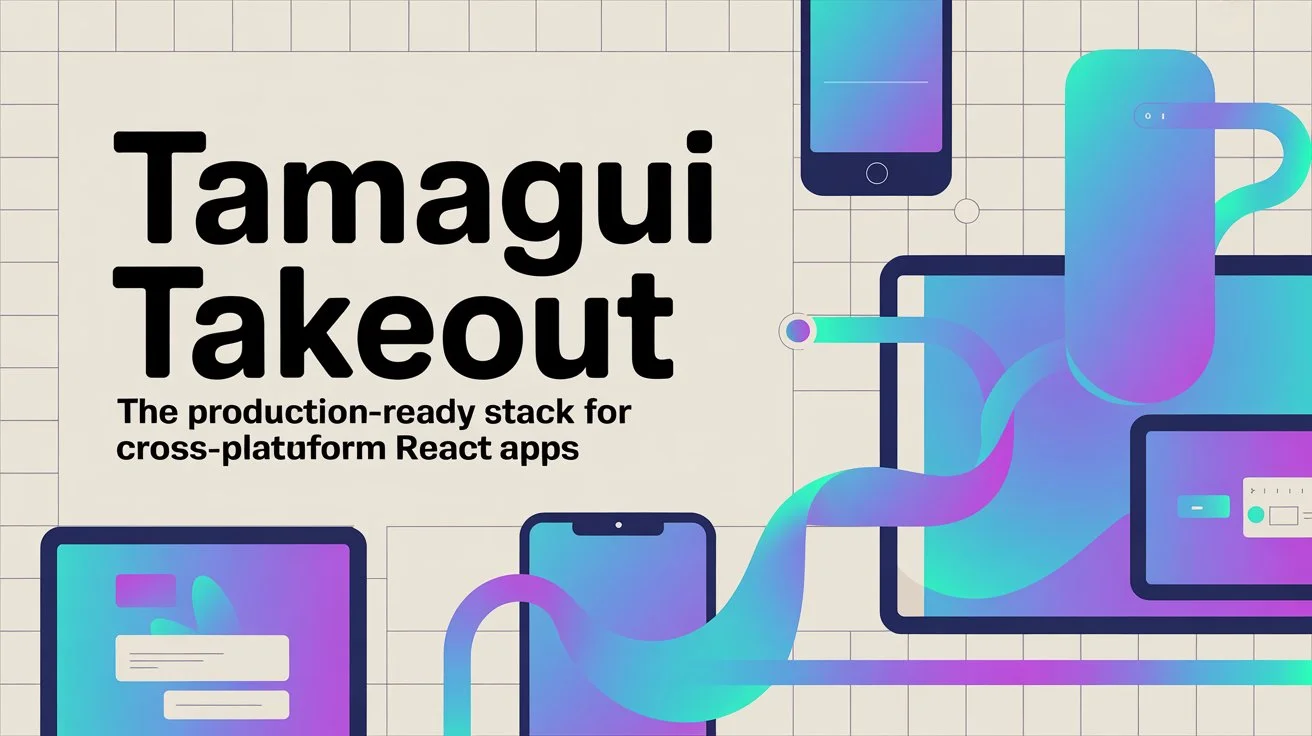
What is Tamagui Takeout?
Ever spent weeks setting up authentication, database schemas, and deployment configs before you could even start building your actual app? Tamagui Takeout solves that problem. It's a production-ready stack built on top of the open-source Tamagui starter that includes everything you need to build apps with user systems—Supabase for auth and data, tRPC for type-safe APIs, universal forms, image uploads, and a bunch of pre-built screens.
What's cool about Takeout is that it funds the open-source development of Tamagui itself. So when you buy it, you're not just getting a solid starting point—you're supporting the project. Plus, the stack shares nearly all code between web and native platforms, so you can build once and deploy everywhere without maintaining separate codebases.
What's Included
The monorepo comes with Next.js for web and Expo for native, all set up and ready to go. You get pre-built screens for onboarding, authentication, profiles, settings, and feed layouts that automatically adapt to each platform's native look. No more building the same login screen three times.
Supabase is pre-configured with database migrations, email auth, OAuth for Google and Apple, and Row Level Security policies. The tRPC setup gives you end-to-end type safety with Zod validation, and it works seamlessly across web and native. Here's a quick example:
import { z } from 'zod'
import { router, publicProcedure } from './trpc'

export const appRouter = router({
  getUser: publicProcedure
    .input(z.object({ id: z.string() }))
    .query(async ({ input }) => {
      return await getUserById(input.id)
    }),
})
Forms are handled with react-hook-form and Zod, and they automatically use native inputs on mobile and web inputs on web. The image upload system adapts to the native picker on mobile and file inputs on web, with Supabase Storage integration already set up.
Design System and Assets
Takeout includes the ThemeBuilder tool for easy customization, plus two exclusive theme packs: Pastel (muted and
calm) and Neon (bright and vibrant). You get access to over 150 icon packs with around 180,000 icons from
iconify.design, all tree-shakeable and integrated with your theme. There's also access to all Google Fonts—over
1,500 packages. Just run yarn add:font or yarn add:icon to add them.
Deployment and Tools
Everything's configured for deployment. Vercel is set up with preview deployments for pull requests, and Expo EAS is ready for iOS and Android builds. There's a setup script that walks you through configuring Supabase, environment variables, and deployment targets.
The stack also includes React Query for data fetching, React Native Reanimated for animations, Solito for navigation, and native components like Sheet and Toast pre-configured. There's even TakeoutBot that provides ongoing updates to keep your stack current with the latest features and fixes.
Why It's Worth It
Instead of spending weeks or months setting up infrastructure, you can start building features on day one. The stack is production-ready with all the best practices, security considerations, and optimizations already baked in. Since most code is shared between platforms, you build once and it works everywhere.
When you purchase Takeout, you get access to a private GitHub repo with all the source code and a private Discord where you can chat with the Tamagui team and other developers using the same stack. It's a solid community for getting help and sharing what you've learned.
Check out the Tamagui Takeout website to see everything that's included and grab access. Whether you're building an MVP, a side project, or a client app, it'll save you a ton of time and give you a solid foundation to build on.