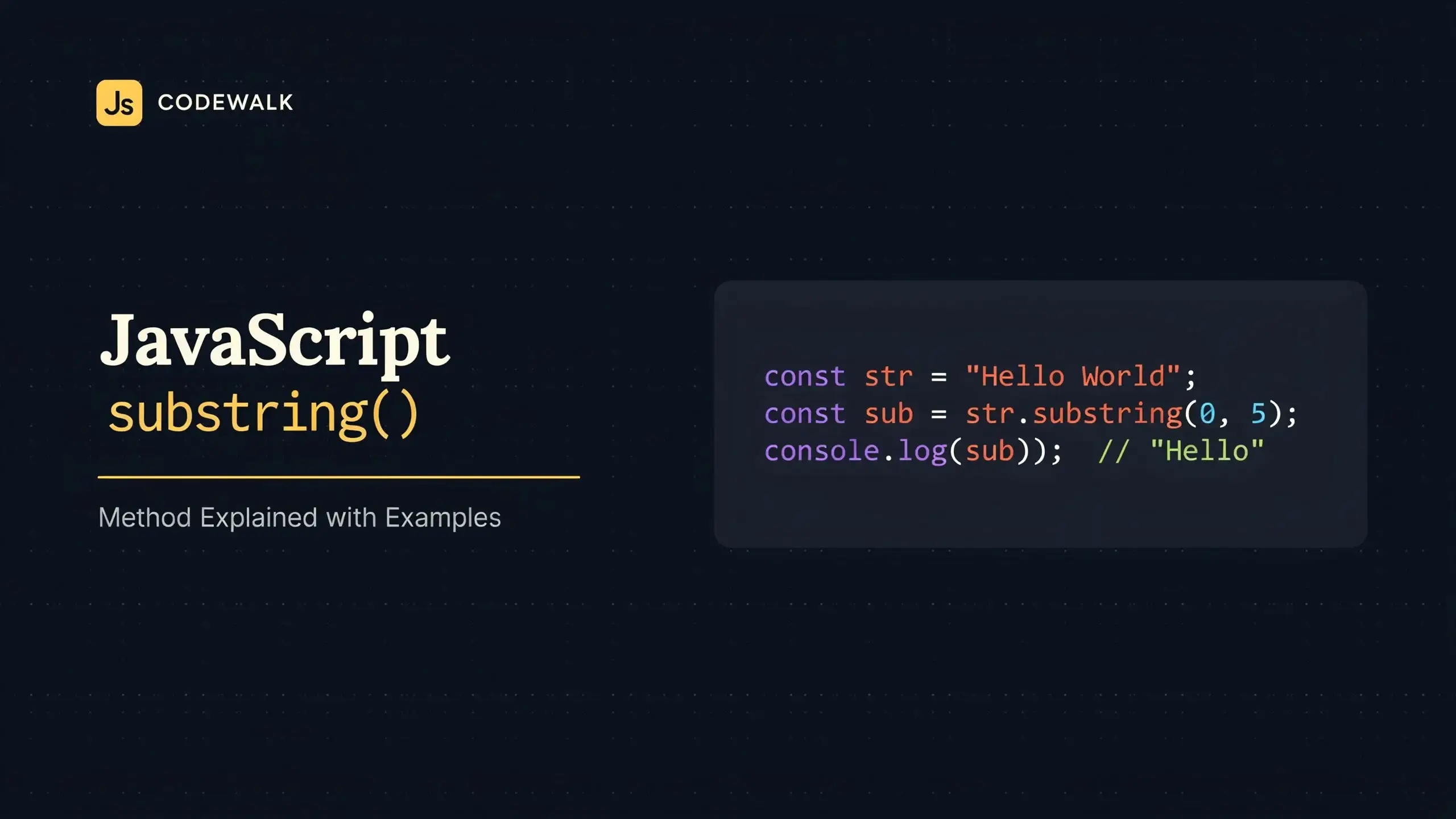
The JavaScript substring method, String.prototype.substring(), returns the part of a
string between a start index and an optional end index. The original string is never modified:
const text = 'Hello, world!';

text.substring(0, 5); // 'Hello'
text.substring(7);    // 'world!'
That covers most uses, but substring() has a few quirks that catch people out: it ignores negative
indexes, it silently swaps its arguments, and it is easy to confuse with slice() and the old
substr(). This guide explains exactly how it behaves, when to choose another method, and walks through
practical use cases you can copy into your own code. Every snippet and every output below was checked in Node.js.
substring() Syntax
str.substring(indexStart)
str.substring(indexStart, indexEnd)- indexStart: the index of the first character to include.
- indexEnd (optional): the index of the first character to exclude. If you omit it, the extraction goes to the end of the string.
- Return value: a new string containing the extracted part.
Indexes start at 0 and the end index is exclusive, so the length of the result is always
indexEnd - indexStart. To get the characters at positions 1 and 2 of 'Hello', you write
'Hello'.substring(1, 3), which returns 'el', a string of length 2.
How substring() Handles Its Arguments
substring() never throws because of its arguments. Instead, it normalizes them following a few rules:
- If indexEnd is omitted or
undefined, it defaults to the string length. - If indexStart equals indexEnd, the result is an empty string.
- If indexStart is greater than indexEnd, the two arguments are swapped.
- Any value that is negative or NaN is treated as
0. - Any value greater than the string length is treated as the string length.
- Decimals and strings are converted to integers (decimals are truncated, not rounded).
const word = 'JavaScript';

word.substring(4);        // 'Script'
word.substring(0, 4);     // 'Java'
word.substring(4, 4);     // ''
word.substring(4, 0);     // 'Java'  (arguments swapped to 0, 4)
word.substring(-3);       // 'JavaScript'  (-3 becomes 0)
word.substring(-3, 4);    // 'Java'  (-3 becomes 0)
word.substring(NaN, 4);   // 'Java'  (NaN becomes 0)
word.substring(4, 100);   // 'Script'  (100 becomes 10)
word.substring(1.9, 4.2); // 'ava'  (truncated to 1, 4)
word.substring('4');      // 'Script'  ('4' converted to 4)
This forgiving behavior is convenient, but it also hides bugs. A negative index that you expected to count from
the end of the string silently returns the whole string instead. If you need negative indexes, use
slice(), covered next.
substring() vs slice() vs substr()
JavaScript has three methods that extract part of a string. They look alike but treat their arguments differently:
| Behavior | substring(start, end) |
slice(start, end) |
substr(start, length) |
|---|---|---|---|
| Second argument | End index (excluded) | End index (excluded) | Number of characters |
| Negative values | Treated as 0 | Counted from the end | Start counted from the end, negative length gives '' |
| Start greater than end | Arguments swapped | Returns '' |
Not applicable |
| Status | Standard | Standard | Deprecated (legacy web feature) |
const word = 'JavaScript';

// Negative indexes
word.slice(-6);        // 'Script'
word.substring(-6);    // 'JavaScript'

// Start greater than end
word.slice(4, 0);      // ''
word.substring(4, 0);  // 'Java'

// Second argument: length vs end index
word.substr(4, 3);     // 'Scr'
word.substring(4, 3);  // 'a'  (swapped to 3, 4)
word.substr(-6, 3);    // 'Scr'
Choose slice() when you want to count from the end of a string, since it is the only standard method
that understands negative indexes. It is also the method arrays share, so slice() reads the same on
strings and arrays. Choose substring() when your indexes come from calculations that might arrive in
either order or go below zero, and you want them clamped rather than producing an empty string.
Why You Should Stop Using substr()
Many developers type js substr into a search engine when they mean substring(), and
plenty of older code still calls substr(). It works in every browser and in Node.js, but it is not part
of the main ECMAScript specification. It is defined in Annex B, the section reserved for legacy features that
exist for web compatibility, and MDN lists it as deprecated. New code should not use it.
Replacing it takes care, because the obvious rewrite is wrong for negative start values:
const name = 'Mozilla';

name.substr(-3, 3);                // 'lla'
name.slice(-3, -3 + 3);            // ''  (slice(-3, 0), wrong)
name.slice(-3).substring(0, 3);    // 'lla'
Here are replacements that behave exactly like the old call:
// Before
str.substr(start, length);

// After, when start is never negative
str.substring(start, start + length);

// After, for any start value, including negative ones
str.slice(start).substring(0, length);
The last form works because slice() handles the negative start, then substring(0, length)
keeps length characters, and a negative length clamps to 0, just like substr(). We compared it
against substr() on hundreds of combinations of start and length values (negative, out of range,
decimals, NaN and undefined) and both always returned the same result.
10 Practical Use Cases for substring()
Knowing the syntax is one thing. Here is how the JavaScript substring method is actually used in real projects. Most of these
patterns pair it with indexOf() or lastIndexOf() to find where to cut.
1. Truncate Text with an Ellipsis
Card titles, previews and notifications often need a maximum length. Keep room for the three dots so the final string never exceeds the limit:
function truncate(text, maxLength) {
  if (text.length > maxLength) {
    return text.substring(0, maxLength - 3) + '...';
  }
  return text;
}

truncate('Axentix is a CSS framework', 18); // 'Axentix is a CS...'
truncate('Short title', 18);                // 'Short title'
2. Truncate Without Cutting Words
Cutting in the middle of a word looks sloppy. Cut first, then step back to the last space:
function truncateWords(text, maxLength) {
  if (text.length > maxLength) {
    const cut = text.substring(0, maxLength);
    const lastSpace = cut.lastIndexOf(' ');
    return (lastSpace > 0 ? cut.substring(0, lastSpace) : cut) + '...';
  }
  return text;
}

truncateWords('Axentix is a CSS framework', 18); // 'Axentix is a CSS...'
3. Get a File Extension
Use lastIndexOf() so that names with several dots work, and check the result before cutting:
function getExtension(filename) {
  const dot = filename.lastIndexOf('.');
  return dot > 0 ? filename.substring(dot + 1) : '';
}

getExtension('report.final.pdf'); // 'pdf'
getExtension('README');           // ''
getExtension('.gitignore');       // ''  (hidden file, no extension)
The check matters. Without it, lastIndexOf() returns -1 for 'README', and
'README'.substring(-1 + 1) returns the whole file name as if it were the extension.
4. Split an Email Address
const email = '[email protected]';
const at = email.indexOf('@');

const username = email.substring(0, at); // 'jane.doe'
const domain = email.substring(at + 1);  // 'example.com'
5. Mask Sensitive Data
Show only the last four digits of a card or account number:
function maskCard(number) {
  const last4 = number.substring(number.length - 4);
  return '*'.repeat(number.length - 4) + last4;
}

maskCard('4242424242424242'); // '************4242'
6. Extract Text Between Two Delimiters
Pulling an ID out of brackets, a value out of a tag or a token out of a log line all follow the same pattern:
function between(text, start, end) {
  const from = text.indexOf(start);
  if (from === -1) return '';

  const to = text.indexOf(end, from + start.length);
  if (to === -1) return '';

  return text.substring(from + start.length, to);
}

between('Order [A-1042] shipped', '[', ']'); // 'A-1042'
between('No brackets here', '[', ']');       // ''
Passing from + start.length as the second argument of indexOf() starts the search after the
opening delimiter, which matters when both delimiters are the same character, like quotes.
7. Capitalize the First Letter
const capitalize = (str) => str.charAt(0).toUpperCase() + str.substring(1);

capitalize('axentix'); // 'Axentix'
capitalize('');        // ''
Using charAt(0) instead of str[0] keeps empty strings safe: ''.charAt(0) returns
'', while ''[0] is undefined and calling toUpperCase() on it throws.
8. Parse Fixed-Format Strings
When a format has fixed positions, like ISO dates, product codes or bank references, substring() reads
each field directly:
const date = '2026-10-28';

const year = date.substring(0, 4);  // '2026'
const month = date.substring(5, 7); // '10'
const day = date.substring(8);      // '28'
9. Remove a Trailing Character
const url = 'https://example.com/docs/';

const clean = url.endsWith('/') ? url.substring(0, url.length - 1) : url;
// 'https://example.com/docs'
10. Get the Last N Characters
Both substring(str.length - n) and slice(-n) work, but they disagree when n is 0:
const code = 'AX-2026-0042';

code.substring(code.length - 4); // '0042'
code.slice(-4);                  // '0042'

// When n is 0
code.substring(code.length - 0); // ''
code.slice(-0);                  // 'AX-2026-0042'  (-0 is 0, so slice starts at the beginning)
If n comes from user input or a calculation that can reach 0, substring() gives the result you
expect.
Common Mistakes
Expecting the Original String to Change
Strings are immutable in JavaScript. substring() returns a new string and leaves the original alone, so
you have to store the result:
let greeting = 'Hello world';

greeting.substring(0, 5);
console.log(greeting); // 'Hello world'

greeting = greeting.substring(0, 5);
console.log(greeting); // 'Hello'
Passing a Length as the Second Argument
This is the classic mistake when moving from substr(). The second argument is an end index, not a
length. 'JavaScript'.substring(4, 3) does not return 3 characters starting at index 4; it swaps the
arguments and returns 'a'. To take n characters from start, write
substring(start, start + n).
Cutting Emojis in Half
substring() counts UTF-16 code units, not visible characters. Emojis and many other symbols use two code
units, so an index can land in the middle of one:
const msg = 'Hi 👋!';

msg.length;          // 6, not 5
msg.substring(0, 4); // 'Hi \uD83D'  (half an emoji, displayed as �)

Array.from(msg).slice(0, 4).join(''); // 'Hi 👋'
Array.from() splits a string by code point, which fixes most emojis. Emojis built from several code
points, like family or flag emojis, need Intl.Segmenter, which splits a string into the characters a
user actually sees:
const family = '👨👩👧 family';
Array.from(family)[0]; // '👨' (only the first person)
const graphemes = [...new Intl.Segmenter().segment(family)].map((s) => s.segment);
graphemes[0]; // '👨👩👧'Calling substring() on undefined or null
If a value can be missing, such as an optional API field, calling substring() on it throws
TypeError: Cannot read properties of undefined (reading 'substring'). Optional chaining returns
undefined instead:
const user = { name: undefined };

user.name?.substring(0, 3);              // undefined
(user.name ?? 'Guest').substring(0, 3); // 'Gue'
Browser Support
substring() has been part of JavaScript since the first edition of ECMAScript and works in every browser
and every version of Node.js. slice() is just as widely supported. substr() also still works
everywhere, but only because browsers keep it for backward compatibility. Intl.Segmenter is newer and is
available in current versions of all major browsers and in Node.js.
Frequently Asked Questions
Is the end index included in substring()?
No. The character at indexStart is included and the character at indexEnd is excluded.
'Hello'.substring(1, 3) returns 'el'.
Does substring() modify the original string?
No. Strings cannot be changed in place in JavaScript. substring() always returns a new string.
Can substring() take negative indexes?
It accepts them but treats them as 0, so 'JavaScript'.substring(-6) returns the whole string.
Use slice(-6) to count from the end.
Is js substr deprecated?
Yes. substr() is only defined in Annex B of the ECMAScript specification for legacy compatibility and
MDN marks it as deprecated. It still runs, but use substring() or slice() in new code. The
replacement str.slice(start).substring(0, length) behaves exactly like str.substr(start, length).
What does substring() return with no arguments?
A copy of the whole string. indexStart becomes 0 and indexEnd defaults to the string
length, so 'abc'.substring() returns 'abc'.
Conclusion
The JavaScript substring method extracts the characters between a start index and an exclusive end index. It
clamps negative and out-of-range values, swaps arguments given in the wrong order and never modifies the original
string. Reach for slice() when you need to count from the end, and replace every remaining js substr
call with substring() or slice() the next time you touch that code.
Combined with indexOf() and lastIndexOf(), substring() covers most everyday string
work: truncating titles, reading file extensions, masking data and parsing fixed formats. For the full
specification details, see the
MDN reference for
substring(). To keep working with strings, read our guides on
how to
concatenate strings in JavaScript and
fixing the "replaceAll is not a function" error.