What Does "Error in Message Stream" Actually Mean?
ChatGPT does not wait until a response is fully generated before showing it to you. Instead, it streams the answer in chunks, token by token, as the model produces them. That is what creates the typewriter effect.
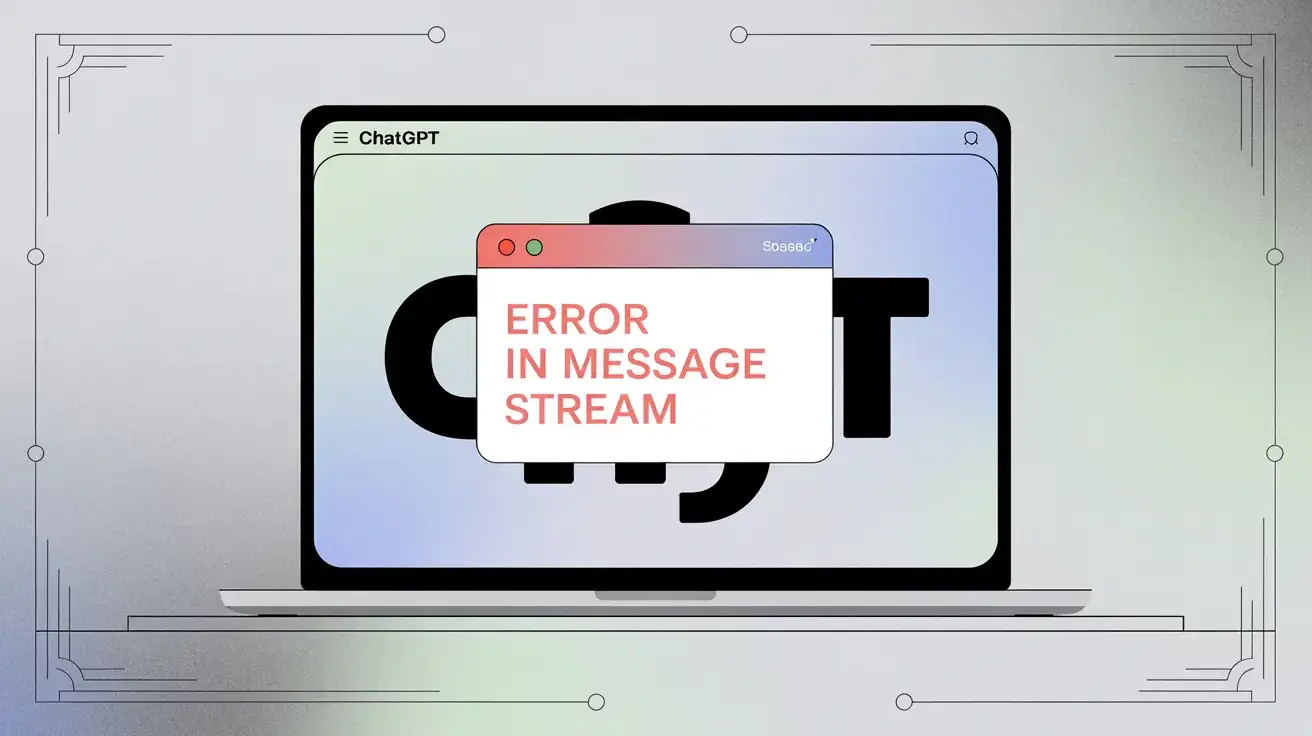
"Error in message stream" (sometimes shown as "Error in body stream") means that streaming connection was broken before the response finished. The channel used to transmit partial tokens was closed, corrupted, or aborted midway. The client (your browser, the mobile app, or an API integration) never received a complete response, so it flags the failure instead.
You may see it as a red inline error block in the chat UI, a toast notification with a Retry button, or a partial
reply that just cuts off. Developers may see it in logs as exceptions like RequestError: Internal Server
Error or messages such as stream disconnected before
completion.
What Causes It?
The error can come from several directions at once; it is not always the same problem.
Server-side issues and platform load
OpenAI's servers handle millions of streaming connections simultaneously. When a service tier becomes overloaded or an internal issue occurs, the server may terminate a stream early and return an error mid-response. This is common during peak hours or following a platform update. The OpenAI developer community documented a significant incident in November 2025 where dozens of developers suddenly encountered the error across custom MCP connectors and Apps SDK integrations simultaneously. None had changed any code, and the issue was traced back to a platform-side update that broke the streaming pipeline. It was resolved by the OpenAI team within about 24 hours.
The lesson: if it was working yesterday and you haven't touched anything, the problem is almost certainly on OpenAI's end.
Network and transport interruptions
Streaming relies on a stable HTTP connection. Transient packet loss, VPN disconnections, corporate proxy timeouts, or load balancers dropping idle connections can sever the stream partway through. Office environments with deep packet inspection sometimes terminate long-lived HTTP connections.
File attachments and content processing failures
Images and PDFs add preprocessing before generation. If that step times out, hits a corrupted file, or runs into limits, the pipeline can fail mid-stream. Large images and heavy PDFs are common triggers; encrypted or image-heavy PDFs can fail during text extraction.
Browser cache, extensions, and client-side interference
A corrupted cache or an aggressive extension (privacy blockers, HTTPS inspectors, ad blockers) can corrupt streaming data or close the connection early. A clean browser profile or incognito window often confirms this.
API misconfiguration (for developers)
On the API side, the error can come from malformed headers, streaming modes not supported for a model or account
tier, or not handling the stream lifecycle correctly (for example, the data: [DONE] sentinel in
SSE-style APIs). If the client misreads end-of-stream, it can treat a normal completion as an error.
How to Diagnose It
First, narrow down scope: is it just you, or widespread? Check OpenAI's status page and recent community threads. If many independent users report the same issue without code changes, treat it as platform-side and wait for a fix.
If it seems isolated, reproduce with the smallest input: no attachments, no plugins, short prompt. If that works, the problem is likely tied to content or context length, not the bare connection.
For API users, switching to stream: false is a
useful test. If non-streaming succeeds, the failure is specific to the streaming path.
How to Fix It
Work through these in order. Most people resolve it within the first few steps.
- Retry. Use Regenerate or resend. Many failures are transient.
- Reset the browser environment. Try incognito with extensions disabled. If that works, clear cache and cookies, then narrow down extensions.
- Switch networks. Mobile hotspot or another Wi-Fi helps rule out VPN, proxy, or router issues with long-lived connections.
- Simplify attachments. Retry text-only; then smaller or reformatted files. Resize large images if uploads correlate with failures.
- Another browser or device. Compare Chrome vs Firefox, or the mobile app, to rule out client-specific bugs.
- Confirm status. Check status.openai.com and forums for incidents.
- Developers: Add retries with backoff for streams, keep partial tokens if you need them, and fall back to non-streaming when streaming keeps failing. Ensure proxies and TLS terminators allow long-lived connections and are not using aggressive idle timeouts.
How to Prevent It
- Keep prompts and attachments reasonably sized; split huge PDFs instead of one giant upload.
- Prefer stable connections for heavy ChatGPT use.
- For production integrations: idempotent retries, graceful partial output handling, and monitoring (spikes in stream errors often precede broader incidents).
- Watch the status page or notifications so you do not debug a provider outage as if it were your code.
A Note for Developers Using the Apps SDK or Custom Connectors
The OpenAI developer community thread from November 2025 is worth reading in full if you work with the Apps SDK or custom MCP connectors. Multiple developers reported that the error appeared simultaneously across completely unrelated codebases following what appeared to be a silent platform update (one developer noted that ChatGPT had added OAuth fields to custom connectors around the time the failures began). The takeaway is that Apps SDK integrations appear more sensitive to platform-side changes than standard API calls. It is worth keeping in mind when scoping your error-handling strategy.
If your custom connector was working correctly and suddenly fails, always rule out a platform incident before assuming your code is the issue.
Summary
"Error in message stream" is a streaming connection failure, not necessarily a permanent fault. Causes include provider load, your network, browser state, attachments, or API usage. Most of the time, retry or a clean browser session fixes it. For developers, resilience means retries, fallbacks, and monitoring so users see graceful behavior instead of dead air.